Übung 31
11.11.2021
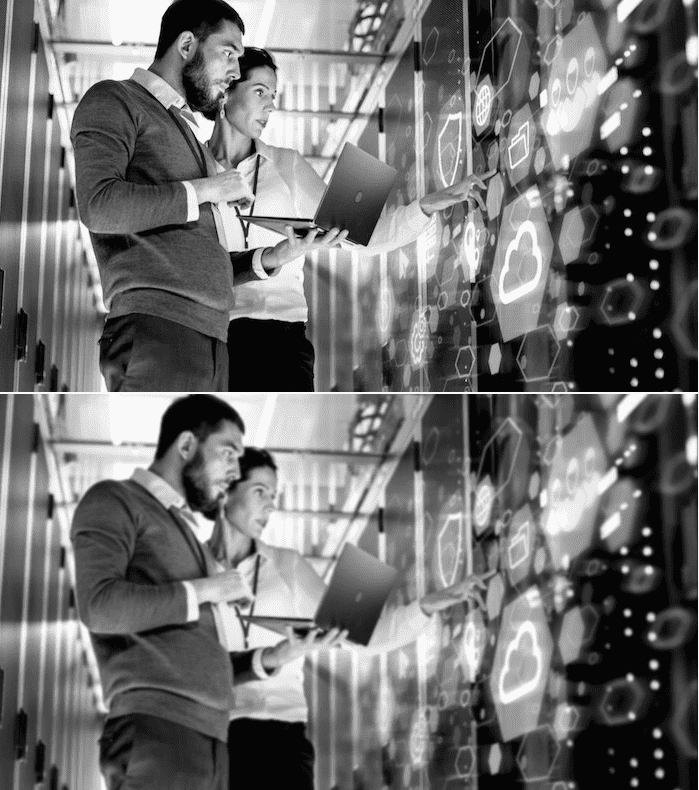
Passen Sie den P5.js-Sketch für das lineare Glättungsfilter so an, dass er ein von Ihnen gewähltes RGB-Graustufenbild mit einem 5 x 5 - Gauß-Filter glättet. Der Sketch verwendet zwei Bilder, denn wir können nicht nur auf einem Bild (“in-place”) arbeiten. Vielmehr müssen wir die Pixelwerte aus dem Quellbild lesen und die neu berechneten Pixelwerte - im Sketch jeweils “color(gewichteteSumme)” - in das Zielbild schreiben. Machen Sie sich klar, weshalb das nötig ist, und schreiben Sie eine kurze Begründung. Speichern Sie die Filtermatrix in einem 5 x 5 - Array. Lassen Sie sich vom folgenden Sketch inspirieren: https://p5js.org/examples/image-blur.html. Zeigen Sie das von Ihnen verwendete Bild vor und nach der Glättung in Ihrem Blog.
Das Erstellen von 2 Bildern ist nötig, da wir ansonsten bereits Pixel überschreiben würden, die im nächsten Schleifendurchlauf wieder für die Berechnung genutzt werden. Dies würde das Ergebnis verfälschen. Beispiel: Unsere Schleife beginnt mit dem Pixel an Position (1, 1) und überschreibt diesen Pixel mit dem Ergebnis der Berechnung des Filters. Im zweiten Schleifendurchlauf wird dann das Pixel an der Position (2, 1) betrachtet und die Filter-Berechnung bezieht nun den überschriebenen Pixel bei (1, 1) als seinen Nachbarn ebenfalls ein, obwohl wir eigentlich die Pixel des Originalbildes für die Berechnung nutzen wollten.
let img, edgeImg
// to consider all neighboring pixels we use a 5x5 array
// and normalize these values
// v is the normalized value
let v = 1.0 / 57.0
// kernel is the 5x5 matrix of normalized values
let kernel = [
  [v * 0, v * 1, v * 2, v * 1, v * 0],
  [v * 1, v * 3, v * 5, v * 3, v * 1],
  [v * 2, v * 5, v * 9, v * 5, v * 2],
  [v * 1, v * 3, v * 5, v * 3, v * 1],
  [v * 0, v * 1, v * 2, v * 1, v * 0],
]

// preload() runs once, before setup()
// loadImage() needs to occur here instead of setup()
// if loadImage() is called in setup(), the image won't appear
// since noLoop() restricts draw() to execute only once
// (one execution of draw() is not enough time for the image to load),
// preload() makes sure image is loaded before anything else occurs
function preload() {
  // load the original image
  img = loadImage('uebung-31-1.jpg')
}

// setup() runs once after preload
function setup() {
  // create canvas
  createCanvas(img.width, img.height * 2)
  // noLoop() makes draw() run only once, not in a loop
  noLoop()
}

// draw() runs after setup(), normally on a loop
// in this case it runs only once, because of noDraw()
function draw() {
  // place the original image on the upper left corner
  image(img, 0, 0)

  // create a new image, same dimensions as img
  edgeImg = createImage(img.width, img.height)

  // load its pixels
  edgeImg.loadPixels()

  // two for() loops, to iterate in x axis and y axis
  // since the kernel assumes that the pixel
  // has pixels above, under, left, and right
  // we need to skip the first and last column and row
  // x then goes from 1 to width - 1
  // y then goes from 1 to height - 1
  for (let x = 2; x < img.width; x++) {
    for (let y = 2; y < img.height; y++) {
      // kernel sum for the current pixel starts as 0
      let sum = 0

      // kx, ky variables for iterating over the kernel
      // kx, ky have three different values: -1, 0, 1
      for (kx = -2; kx <= 2; kx++) {
        for (ky = -2; ky <= 2; ky++) {
          let xpos = x + kx
          let ypos = y + ky

          // since our image is grayscale,
          // RGB values are identical
          // we retrieve the red value for this example
          // (green and blue work as well)
          let val = red(img.get(xpos, ypos))

          // accumulate the  kernel sum
          // kernel is a 5x5 matrix
          // kx and ky have values -2, -1, 0, 1, 2
          // if we add 1 to kx and ky, we get 0, 1, 2, 3, 4
          // with that we can use it to iterate over kernel
          // and calculate the accumulated sum
          sum += kernel[kx + 2][ky + 2] * val
        }
      }

      // set the value of the edgeImg pixel to the kernel sum
      edgeImg.set(x, y, color(sum))
    }
  }
  // updatePixels() to write the changes on edgeImg
  edgeImg.updatePixels()

  // draw edgeImg at the right of the original image
  image(edgeImg, 0, img.height)
}
https://editor.p5js.org/ich/sketches/lUvWAJfZy